
· Salesforce Guide · 3 min read
Why is Salesforce requiring security changes in 2026?
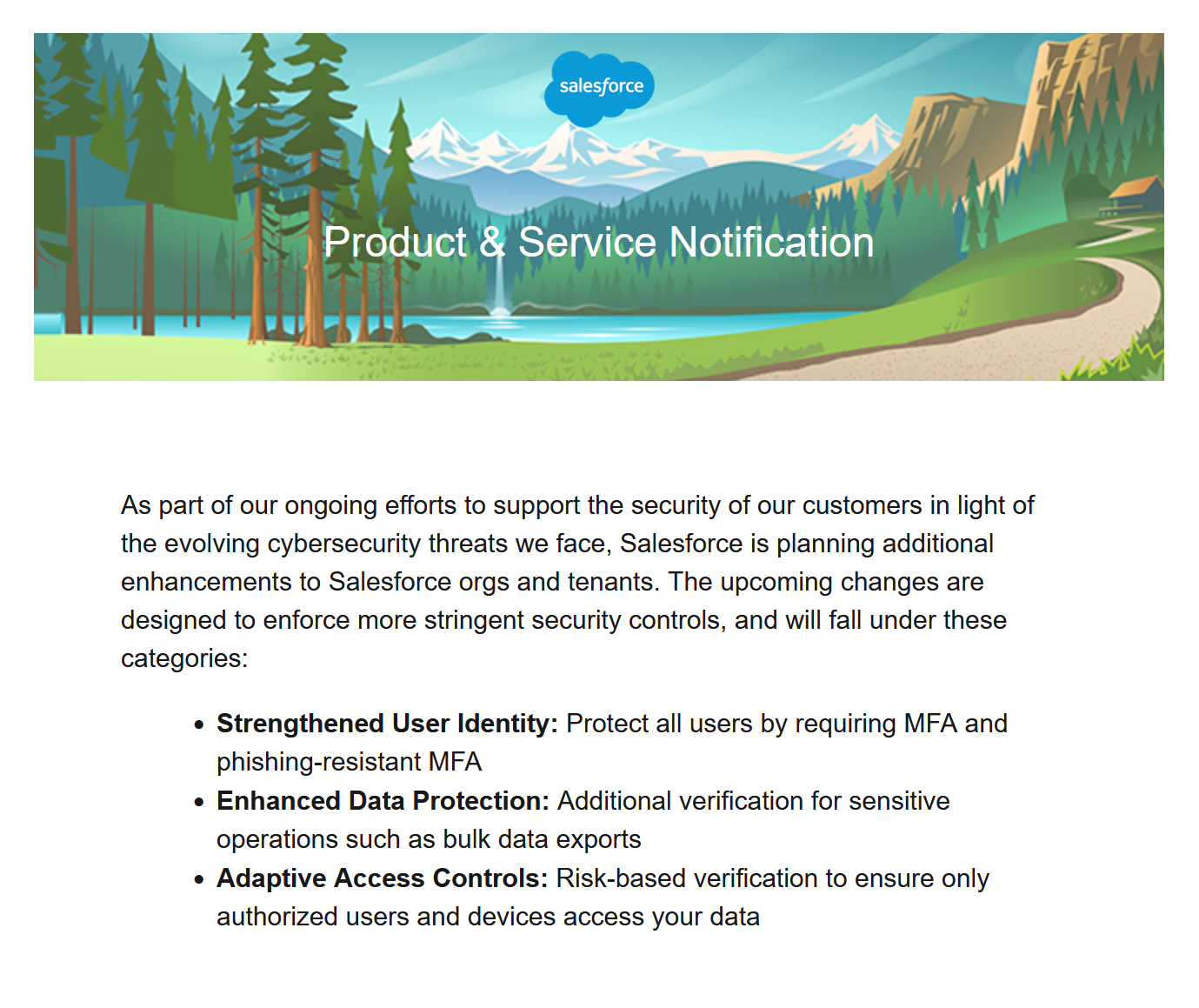
With hackers exploiting vulnerable security flaws, Salesforce is enforcing stronger MFA and related security controls in 2026.

Salesforce is moving key security controls from “recommended” to “required.”
The goal is simple: reduce account takeovers, phishing-based access, and large data exfiltration events.
For most teams, these are the five big mandates:
- Email-sending domain verification
- MFA for all users
- Phishing-resistant MFA for admin users
- Login IP restrictions on profiles
- Transaction Security controls for report exports (where licensed)
Read about what you need to do to remain compliant in our free guide
What Changed and Why
1) Email Domain Verification
What Salesforce is requiring:
Any domain used to send outbound email from Salesforce must be verified as a legitimate sender.
Why:
Unverified domains can be abused for spoofing and trust erosion. Salesforce is enforcing verification to prove domain ownership and reduce abuse. This means other SF orgs can’t improperly use your own email addresses.
Operational impact:
If a sending domain is not verified, automation-generated messages will fail to send.
2) MFA for All Users
What Salesforce is requiring:
MFA is mandatory for employee-license users, including orgs using SSO.
Why:
Passwords are still frequently compromised through phishing and credential reuse. MFA lowers takeover risk by requiring an additional factor.
Operational impact:
If not fully deployed, users can be blocked from login or specific sensitive actions.
3) Phishing-Resistant MFA for Admins
What Salesforce is requiring:
Admin users need phishing-resistant methods (FIDO2/WebAuthn options such as passkeys, platform authenticators, or hardware security keys).
Why Salesforce is stricter for admins:
Admin accounts are high-value targets. If one is compromised, attackers can export data, disable controls, create backdoor integrations, and persist access.
Why passkeys/security keys are stronger than typical app MFA
- Domain binding: Passkeys are cryptographically tied to the real domain, ensuring an extra layer of safety.
- No shared secret: Private key stays on the device.
- Reduced human error: No one-time password entry or blind push-approval habit.
- Stronger phishing resistance: Passkeys can only authenticate with the expected domain. Fake login pages cannot use a one-time verification code to log in to Salesforce on your behalf.
Important distinction:
Standard MFA is better than password-only. Phishing-resistant MFA is designed to defeat modern phishing workflows.
4) Login IP Restrictions
What Salesforce is requiring:
Profile-level login IP ranges should be defined and enforced.
Why:
IP controls narrow where authentication can happen from, reducing exposure from unknown or hostile networks.
Operational impact:
Remote/hybrid users may need VPN or approved egress ranges to avoid lockouts.
5) Transaction Security on Data Exports (Shield/Event Monitoring)
What Salesforce is requiring:
A policy on ReportEvent to trigger stronger verification for report downloads.
Why:
Many incidents are not about initial login - they are about rapid bulk data extraction after access is gained.
Operational impact:
If you do not define policy behavior, default enforcement may be applied in ways that do not match your business workflows.
Why 2026 Feels Different
This cycle is broader than a normal security tune-up. Salesforce is aligning identity, network, and data controls at once:
- Identity: MFA + phishing-resistant admin auth
- Network: IP-based boundary enforcement
- Data: Export policy controls
- Messaging trust: Verified sending domains
The pattern is clear: prevention of phishing-led compromise, then containment if compromise still happens.
Practical Guidance for Teams
If you are sequencing work, use this order:
- Verify all email-sending domains and subdomains.
- Finish MFA adoption for all users.
- Roll out phishing-resistant methods to admins first.
- Apply and test profile IP ranges.
- Implement and test export policies for report-heavy users.
Bottom Line
Salesforce is raising the security baseline from optional best practice to enforceable requirement.
The “why” is risk reduction: stop credential-driven attacks earlier, limit attacker movement, and reduce large-scale data loss if an account is compromised.
If you need help making these security upgrades, please get in touch