· Salesforce Guide · 5 min read
Salesforce Security Changes 2026: Official Announcement
Salesforce's official security announcement for 2026, including required controls and enforcement timelines.
Salesforce has published formal 2026 security requirements with staged enforcement windows. This page captures the official announcement in a clean format.
If you want a practical implementation plan, see our guide:
Salesforce Security Changes 2026: Deadlines, Risks, and What To Do
If you want the security rationale behind each requirement, see:
Why Salesforce Is Enforcing Security Changes in 2026
Salesforce Announcement Summary
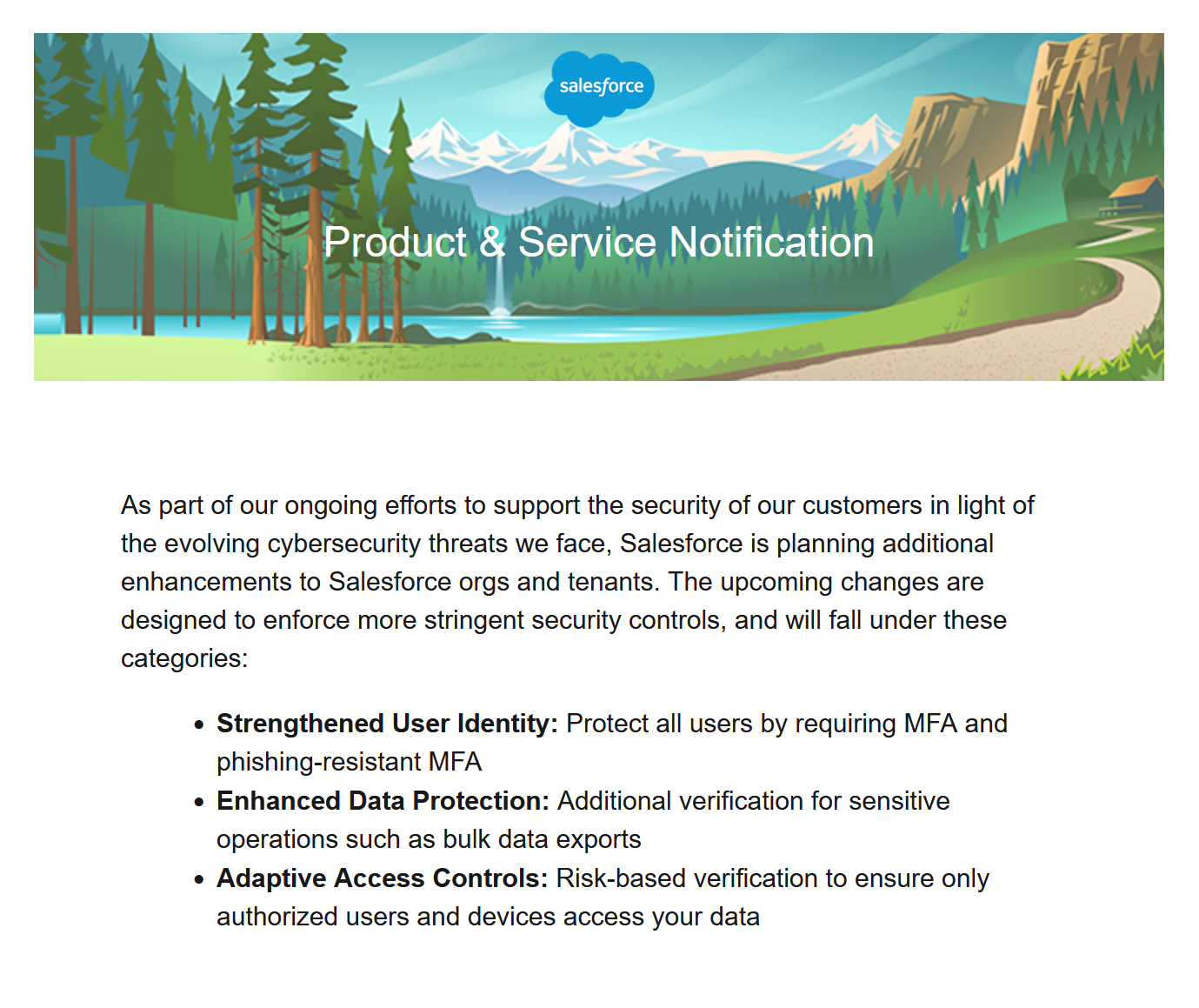
Salesforce states these updates are intended to strengthen org and tenant security as cyber threats continue to evolve.
The changes focus on:
- Stronger identity controls: MFA for all users and phishing-resistant MFA for admins.
- Stronger data protection: Additional verification for sensitive operations, including large exports.
- Adaptive access controls: Risk-based controls to ensure only authorized users and devices gain access.
Immediate Action Required: Email Domain Verification
To reduce spoofing and phishing risk, Salesforce now requires verification of domains used for Salesforce outbound email.
Enforcement timeline
- New domains in all orgs: Starting March 24, 2026 (Spring ‘26 patch 11)
- Recently used domains in sandboxes: April 7, 2026
- Recently used domains in production and all other orgs: April 27, 2026
How Salesforce says to verify
- Activate a DKIM key, or
- Verify an Authorized Email Domain
If verification is not possible, a substitute-domain option is available.
New Security Control Requirements Beginning June 2026
Salesforce indicates that, starting June 2026, orgs should have the following controls in place.
1) Require MFA for users
MFA should be enforced in sandbox and production orgs, either directly in Salesforce or through your SSO provider. Salesforce also notes that some sensitive post-login actions may require step-up authentication.
2) Encourage phishing-resistant MFA for System Administrators
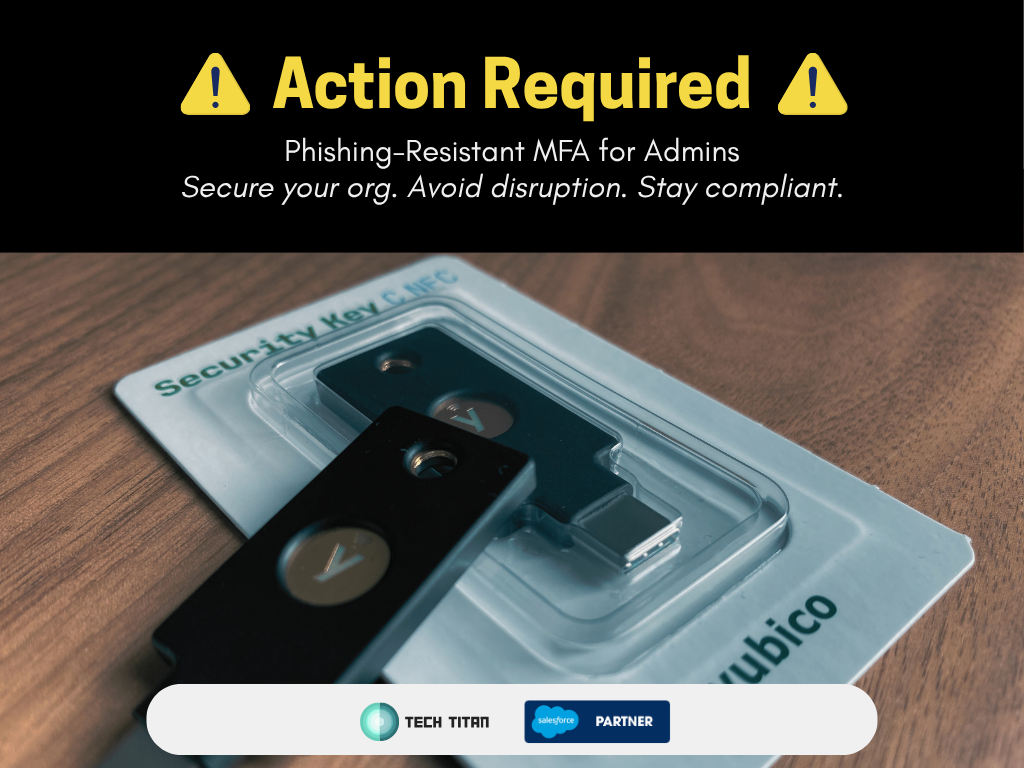
Admin users should adopt phishing-resistant methods such as built-in authenticators, security keys, or equivalent methods. While this is not being enforced at this time, enforcement could come in the future.
3) Restrict login IP addresses at profile level
Allowed IP ranges on profiles deny logins from unauthorized IPs. By default, this is checked at login only.
For continuous enforcement, Salesforce notes that Enforce login IP ranges on every request must be enabled in Session Settings.
This is also not being enforced, but highly encouraged.
4) Enable Transaction Security Policy for large data exports
For Salesforce Shield and Event Monitoring customers, Salesforce expects a ReportEvent TSP that triggers step-up verification for report downloads.
Salesforce also notes that if one is not in place by June 2026, a policy may be added and enabled automatically.
5) Avoid anonymizing proxies and high-risk IP sources
Salesforce advises organizations to prevent user access from anonymizing VPNs and other high-risk IP addresses.
Closing Note
Salesforce has indicated additional security controls and future timelines are still coming.
To prepare without disruption, start implementation now and align your roadmap to the published dates.
For execution support, use our implementation guide:
Salesforce Security Changes 2026: Deadlines, Risks, and What To Do
For the “why” behind each control:
Why Salesforce Is Enforcing Security Changes in 2026
Full announcement text
The following is the full Salesforce announcement text for New Security Control Requirements Beginning June 2026.
Beginning June 2026, Salesforce plans to require the implementation of additional security controls and settings. To ensure a seamless transition and maintain your organization’s security posture, we recommend that you take the following actions now (even if previously configured) and confirm your settings meet these requirements:
- Require Multi-Factor Authentication (MFA): Ensure MFA is required in sandbox and production orgs, for all employee license users, either through Salesforce or through an SSO provider. Even with MFA enabled for login, certain sensitive actions after login will trigger step-up authentication. For help with implementing MFA, see Multi-Factor Authentication for Salesforce Orgs.
- Ensure all System Administrator users adopt Phishing-Resistant MFA for login: Phishing-Resistant MFA requires built-in authenticators, security keys, or equivalent. To make phishing-resistant MFA options available to users, enable built-in authenticators or security keys.
- Restrict Login IP Addresses in Profiles: Specifying allowed IP address ranges on profiles denies a user access if they attempt to sign in from an unauthorized IP address. Note that by default, this check applies at login time only and users are not automatically logged out mid-session if their IP address changes. To enforce IP range validation on every request (not just at login), “Enforce login IP ranges on every request” must be enabled in Session Settings. Only when this setting is active will users be logged out mid-session due to an IP address change. This additional protection is particularly important if your org has not implemented Phishing-Resistant MFA. See Restrict Login IP Addresses.
- Enable a Transaction Security Policy (TSP) that Restricts Large Data Exports: It has been previously recommended that Salesforce Shield and Event Monitoring customers have a TSP on ReportEvent that triggers step-up authentication when report data is downloaded. In June 2026, if an org with Shield or Event Monitoring does not already have one of these TSPs in place, one will be added and enabled automatically. See Transaction Security.
- Avoid Connecting from Anonymizing Proxies and High-Risk IP Addresses: Ensure your users are not connecting to Salesforce via anonymizing VPNs or from other high-risk IP addresses. Salesforce monitors for and blocks high-risk connections and will continue to do so.
We will be announcing a roadmap of additional security control requirements and timelines in the near future. We understand that our customers need time to make these adjustments, and will do our best to ensure these changes are communicated in a timely manner.
If you need help making these security upgrades, please get in touch